> For the complete documentation index, see [llms.txt](https://ayccoes-assets.gitbook.io/ayccoes-assets/llms.txt). Markdown versions of documentation pages are available by appending `.md` to page URLs; this page is available as [Markdown](https://ayccoes-assets.gitbook.io/ayccoes-assets/ayc-minigames/series-1.md).
# Series 1
Series 1 features 12 unique, highly customizable mini-games. Explore each one below, and learn how to start them using the exported functions.
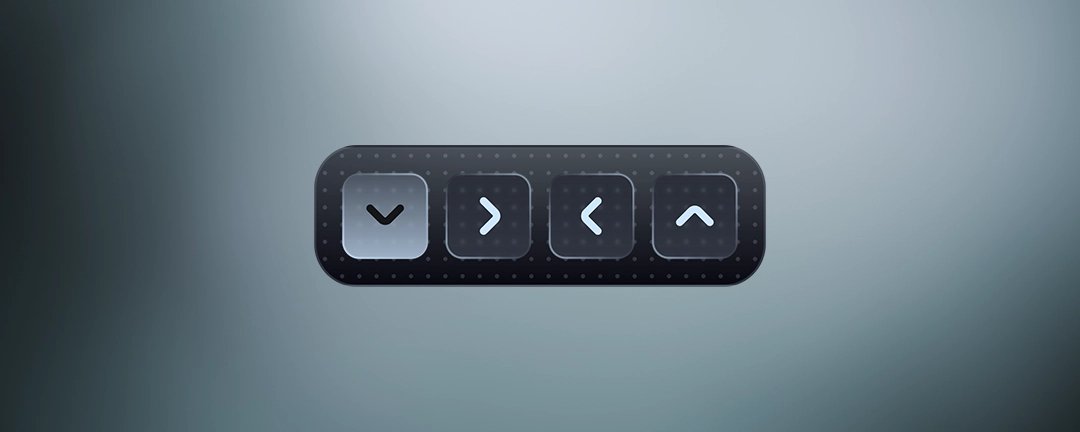
### 1. Directional Sequence
Press the sequence of directions shown from left to right.
```lua
local success = exports['ayc-minigames']:StartDirectionalSequence(length, time, stages, guide, startType)
```
**Parameters:**
| Name | Type | Default | Description |
| -------- | ---- | ---------- | ----------------------- |
| `length` | int | random 2–5 | Length of the sequence. |
***
### 2. Button Order
Repeat the sequence of button presses shown.
```lua
local success = exports['ayc-minigames']:StartButtonOrder(buttonAmount, sequenceLength, buttonsSpeed, time, stages, guide, startType)
```
**Parameters:**
| Parameter | Type | Default | Description |
| ---------------- | ---- | ------- | ---------------------------------------- |
| `buttonAmount` | int | 4–10 | Number of buttons. |
| `sequenceLength` | int | 3–6 | Length of the button sequence. |
| `buttonsSpeed` | int | 1–3 | Speed at which buttons preview is shown. |
***
### 3. Frequency Match
Adjust your wave to match the target wave by changing its height and period.
```lua
local success = exports['ayc-minigames']:StartFrequencyMatch(time, stages, guide, startType)
```
***
### 4. Left or Right
Press the correct direction in a sequence.
```lua
local success = exports['ayc-minigames']:StartLeftOrRight(length, time, stages, guide, startType)
```
**Parameters:**
| Parameter | Type | Default | Description |
| --------- | ---- | ------- | ----------------------- |
| `length` | int | 5–15 | Length of the sequence. |
***
### 5. Letter Track
Press the highlighted letters as they pass under the frame.
```lua
local success = exports['ayc-minigames']:StartLetterTrack(highlightAmount, highlightRatio, time, trackSpeed, stages, guide, startType)
```
**Parameters:**
| Parameter | Type | Default | Description |
| ----------------- | ---- | ------- | -------------------------------------------- |
| `highlightAmount` | int | 2–6 | Number of letters highlighted on the track. |
| `highlightRatio` | int | 1–3 | Ratio of all letters to highlighted letters. |
| `trackSpeed` | int | 1–3 | Speed at which the letters move. |
***
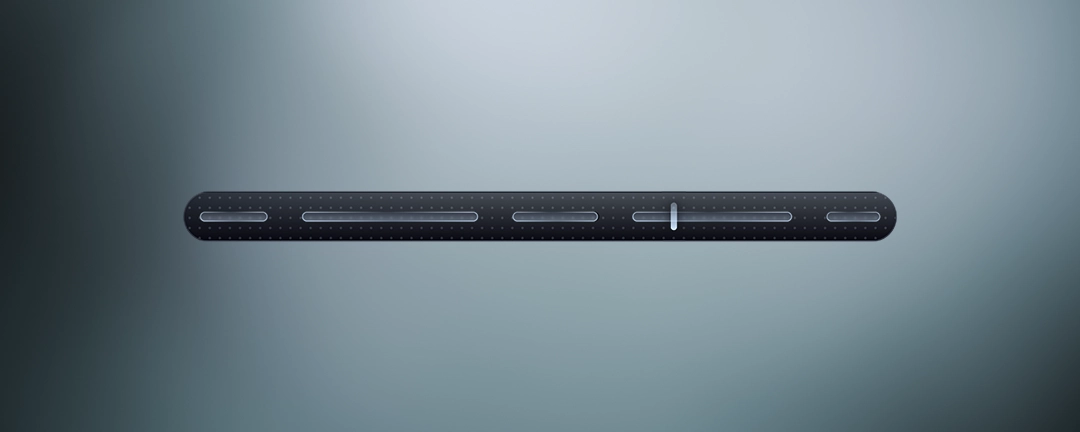
### 6. Line Alignment
Press space when the pin is positioned between the lines.
```lua
local success = exports['ayc-minigames']:StartLineAlignment(cuts, difficulty, time, speed, stages, guide, startType)
```
**Parameters:**
| Parameter | Type | Default | Description |
| ------------ | ---- | ------- | ------------------------------------------------------ |
| `cuts` | int | 2–6 | Number of cuts. |
| `difficulty` | int | 1–5 | Difficulty level of the alignment. (affects threshold) |
| `speed` | int | 1–3 | Movement speed of the pin. |
***
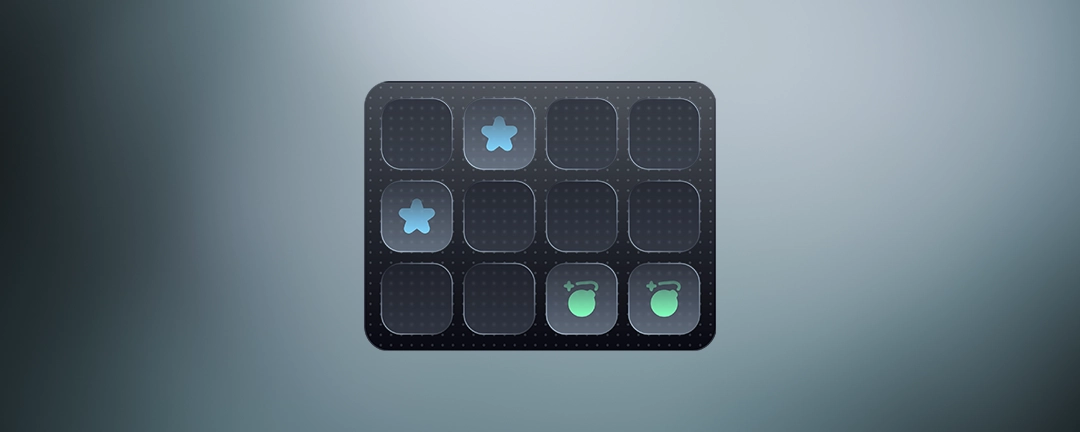
### 7. Matching Pairs
Match all pairs by selecting two identical shapes at a time.
```lua
local success = exports['ayc-minigames']:StartMatchingPairs(pairs, time, colored, stages, guide, startType)
```
**Parameters:**
| Parameter | Type | Default | Description |
| --------- | ---- | ------- | ---------------------------------- |
| `pairs` | int | 4–10 | Number of pairs to match. |
| `colored` | bool | false | Whether the pairs are color-coded. |
***
### 8. Matching Switches
Match all switches to the system’s green switches.
```lua
local success = exports['ayc-minigames']:StartMatchingSwitches(switchesAmount, time, speed, stages, guide, startType)
```
**Parameters:**
| Parameter | Type | Default | Description |
| ---------------- | ---- | ------- | ----------------------------------- |
| `switchesAmount` | int | 10–20 | Number of switches in the minigame. |
| `speed` | int | 1–3 | Movement speed of the switches. |
***
### 9. Memory Game
Hover to reveal the letters, memorize them, then press the top sequence in order from left to right.
```lua
local success = exports['ayc-minigames']:StartMemoryGame(shownLetters, sequenceLength, time, prepTime, showLettersAtPrep, stages, guide, startType)
```
**Parameters:**
| Parameter | Type | Default | Description |
| ------------------- | -------- | --------- | ---------------------------------------------- |
| `shownLetters` | int | 5–12 | Number of letters shown initially to memorize. |
| `sequenceLength` | int | 2–5 | Length of the sequence to press. |
| `prepTime` | int (ms) | 3000–6000 | Time given to preview letters. |
| `showLettersAtPrep` | bool | true | Whether the sequence is shown during preview. |
***
### 10. Password Brute
Crack the password by testing digit combinations. Green digits are correct and well placed; yellow digits are correct but misplaced.
```lua
local success = exports['ayc-minigames']:StartPasswordBrute(tries, passwordLength, repetitive, time, stages, guide, startType)
```
**Parameters:**
| Parameter | Type | Default | Description |
| ---------------- | ---- | ------- | ------------------------------------------- |
| `tries` | int | 3–8 | Number of password attempts allowed. |
| `passwordLength` | int | 3–6 | Length of the password. |
| `repetitive` | bool | false | Whether numbers can repeat in the password. |
***
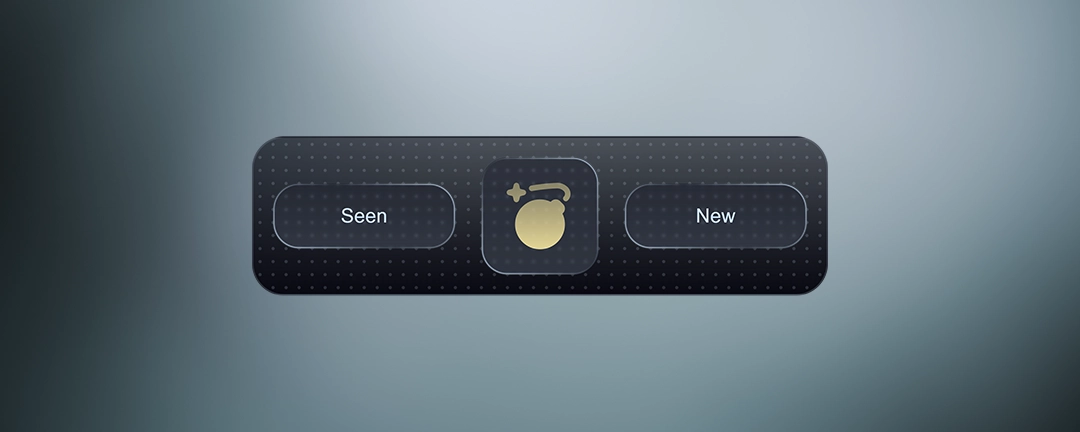
### 11. Seen or New
Choose whether you have seen the icon before or if it is new\..
```lua
local success = exports['ayc-minigames']:StartSeenOrNew(amount, colored, time, repetitionPossibility, stages, guide, startType)
```
**Parameters:**
| Parameter | Type | Default | Description |
| ----------------------- | ----- | ------- | ---------------------------------- |
| `amount` | int | 5–12 | Number of icons displayed. |
| `colored` | bool | true | Whether the icons are color-coded. |
| `repetitionPossibility` | float | random | Chance that the next icon is seen. |
***
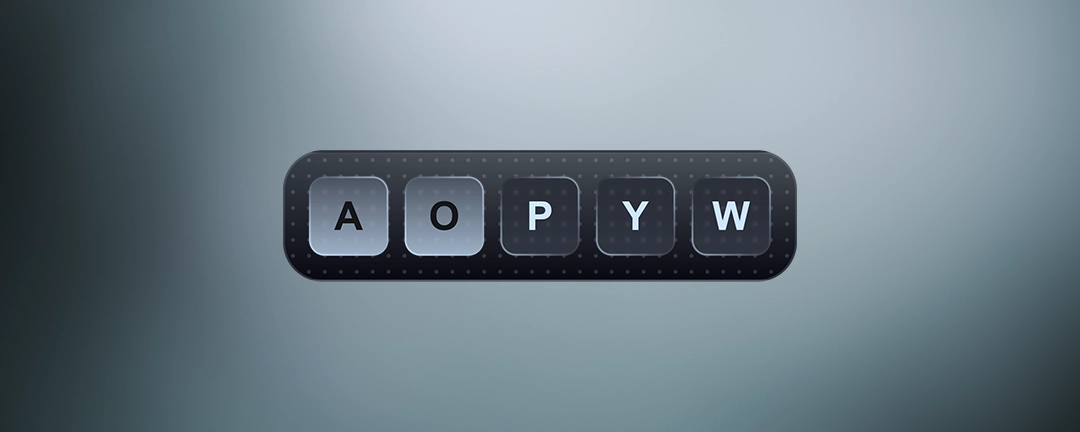
### 12. Typing Sequence
Press the sequence of letters shown from left to right.
```lua
local success = exports['ayc-minigames']:StartTypingSequence(length, time, stages, guide, startType)
```
**Parameters:**
| Parameter | Type | Default | Description |
| --------- | ---- | ------- | ---------------------------------- |
| `length` | int | 2–5 | Number of letters in the sequence. |